One connected workflow from drawings to delivery-ready TAB data.
TabPro AI is not just a takeoff screen. It is a platform for extracting equipment, reviewing it against source drawings, and carrying that reviewed dataset into project setup and reporting.

From uploaded PDF to system topology.
Every step below is from a live workflow on real mechanical drawings.

Upload
Drop your mechanical PDF. Processing starts immediately.
Upload a drawing set and the platform begins splitting pages, running OCR, and preparing tiles for detection — all visible in a live log.
Classification
Floor plans, schedules, and legends — sorted before processing.
Every page in your drawing set is classified so only relevant sheets get processed. Adjust categories before confirming.


Detection
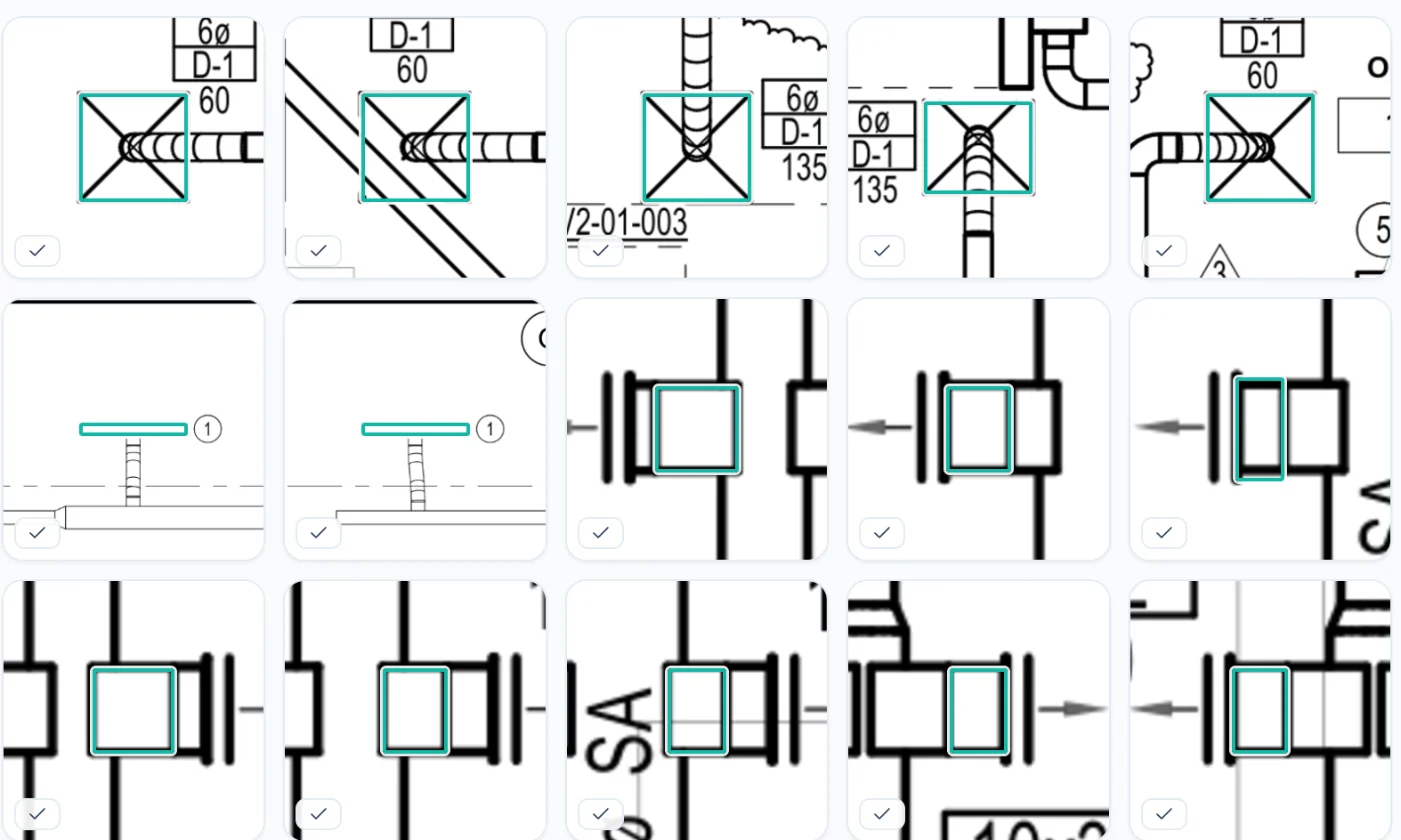
Equipment tagged automatically across every sheet.
TabPro AI identifies diffusers, VAVs, FPVAVs, and other equipment directly on the drawing. No manual counting.
Review
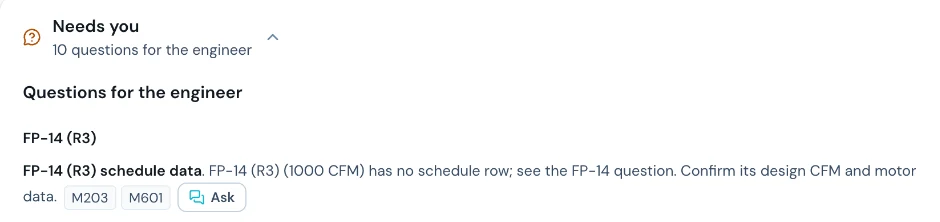
Confidence scores on every item. Approve or correct in one click.
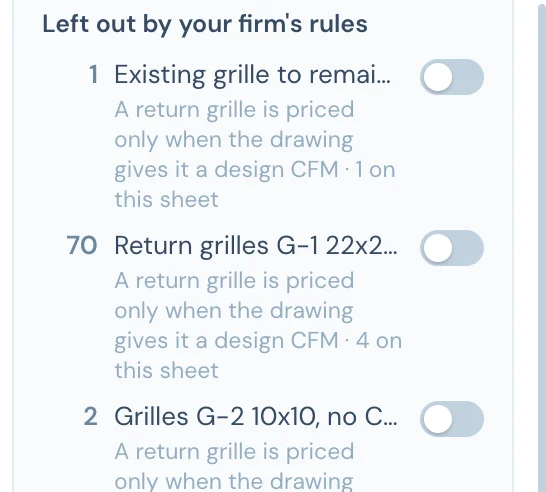
Each detection is linked back to the source page. Low-confidence items are flagged so your reviewer focuses on exceptions, not re-entry. See how extraction notes catch missed scope items.


Export
Reviewed takeoff ready for export and project setup.
Once approved, download the takeoff sheet or create a project directly. The same dataset carries forward — no rebuilding downstream.
System Topology
See how equipment connects — AHUs, terminals, diffusers mapped end to end.
After approval, the platform maps the full HVAC system topology: which AHU feeds which terminals, how many diffusers per zone, and total CFM at every level.

Bring a real mechanical set and review the workflow live.
The clearest way to see the platform is a live walkthrough on your own drawings. That is where continuity, review speed, and data carry-forward become obvious.