AI-native software for TAB firms. Send the set. Get the takeoff.
TabPro reads the drawings and keeps the record. Clara answers from it.
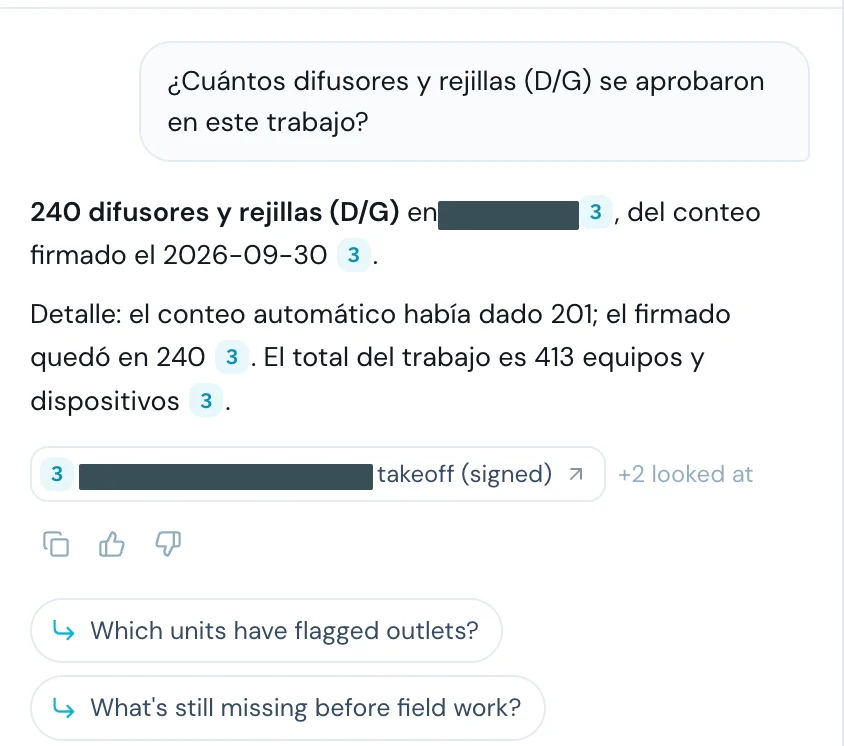
- Question: How many diffusers and grilles were signed off on this job? Clara: 240 diffusers and grilles, from the signed takeoff. TabPro's own count was 201; your estimator added 39 before sign-off. Source: Takeoff, signed.
- Question: ¿Cuántos difusores y rejillas se firmaron en este trabajo? Clara: 240 difusores y rejillas, del conteo firmado. El conteo automático había dado 201. Source: Takeoff, signed.
- Question: How many VAV boxes are on this job? Clara: 75 VAV boxes from the signed-off takeoff, and 3 fan-powered boxes. Source: Takeoff, signed.
- Question: Show me the takeoff. Clara: Here is the signed takeoff for this job. Source: Open the takeoff.
Takeoff, on a real set
It boxes each device it finds, on its sheet.
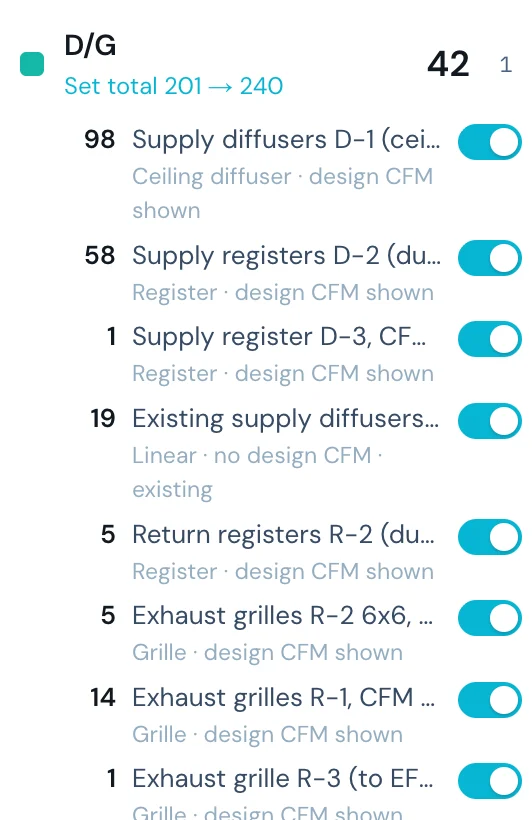
Colored by kind and counted in your worksheet's rows. Your estimator checks each box, removes what is wrong and adds what was missed, before anything is priced.
Today
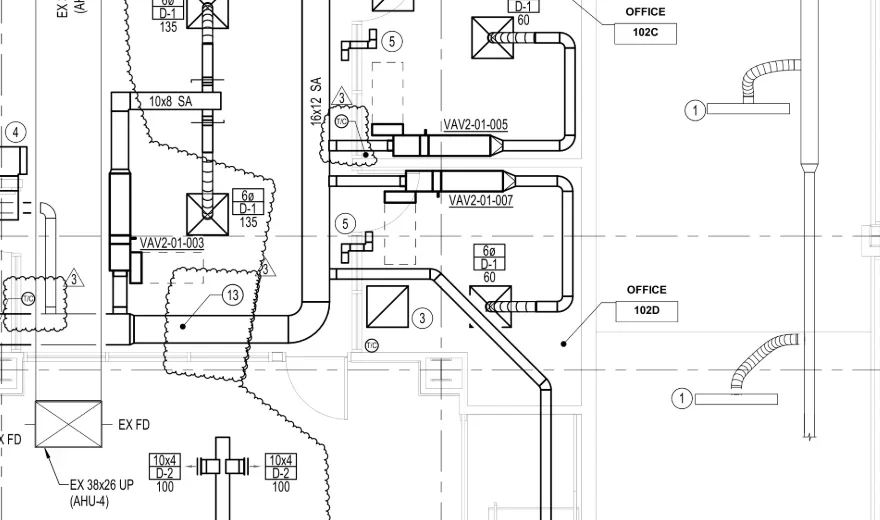
The sheet as it comes. Each device is found, counted and typed in by hand.
With TabPro
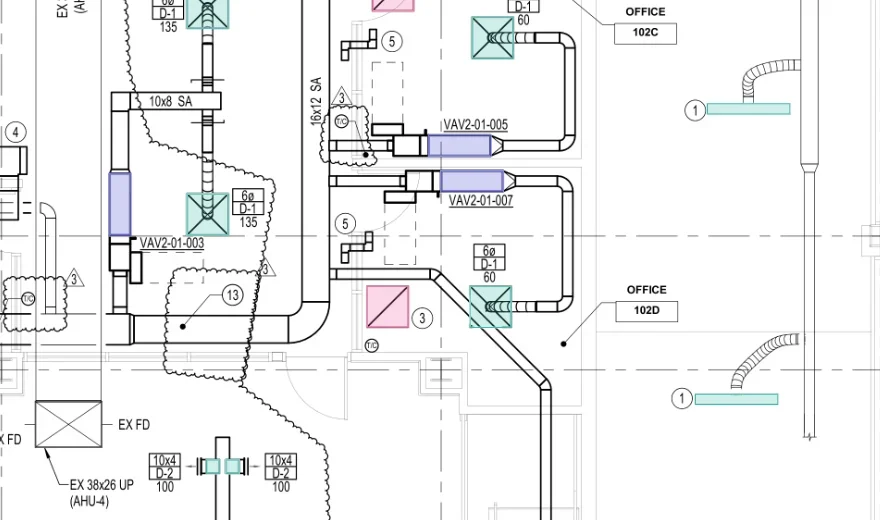
Each device it finds is boxed where it sits and counted into your worksheet.
The work behind every bid
The work is hard. The paperwork shouldn't be.
You count it at night, and most of those bids won't come back. The ones that do, you type again for the field, and again for the report.
Miss one box and the firm eats it. A wrong design value is a return trip.
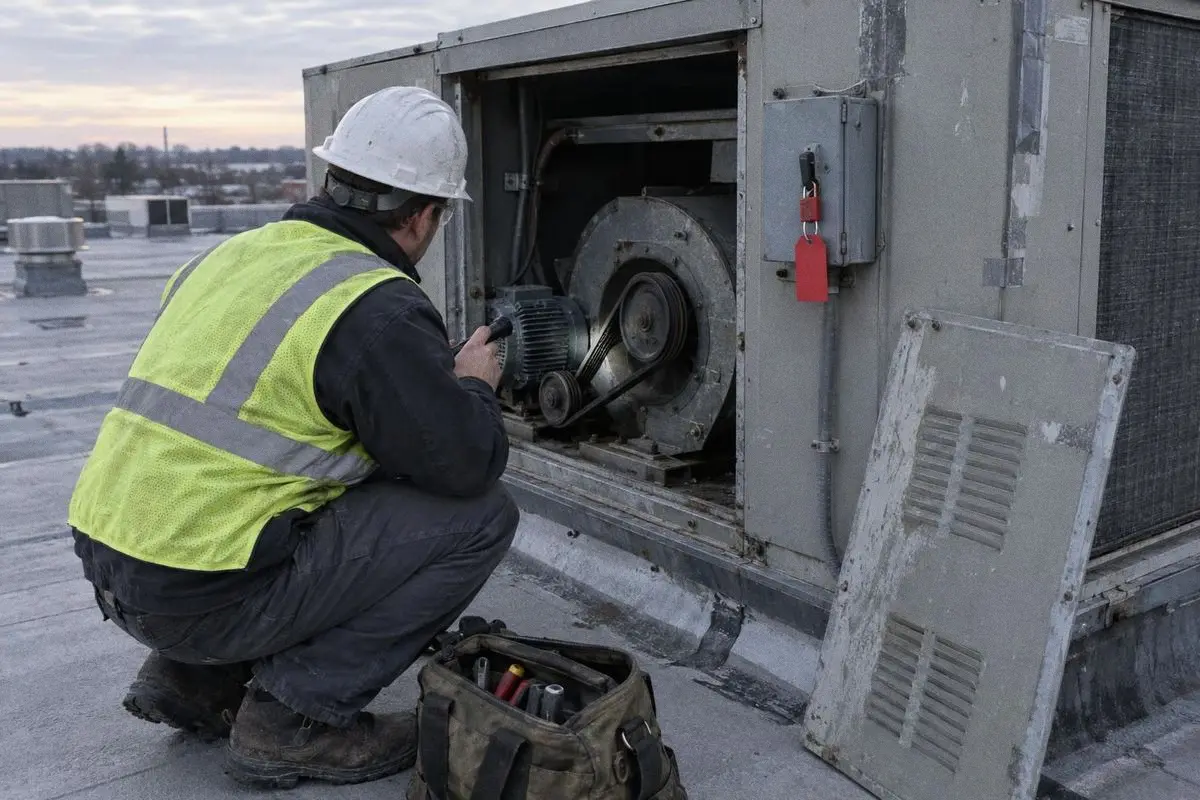
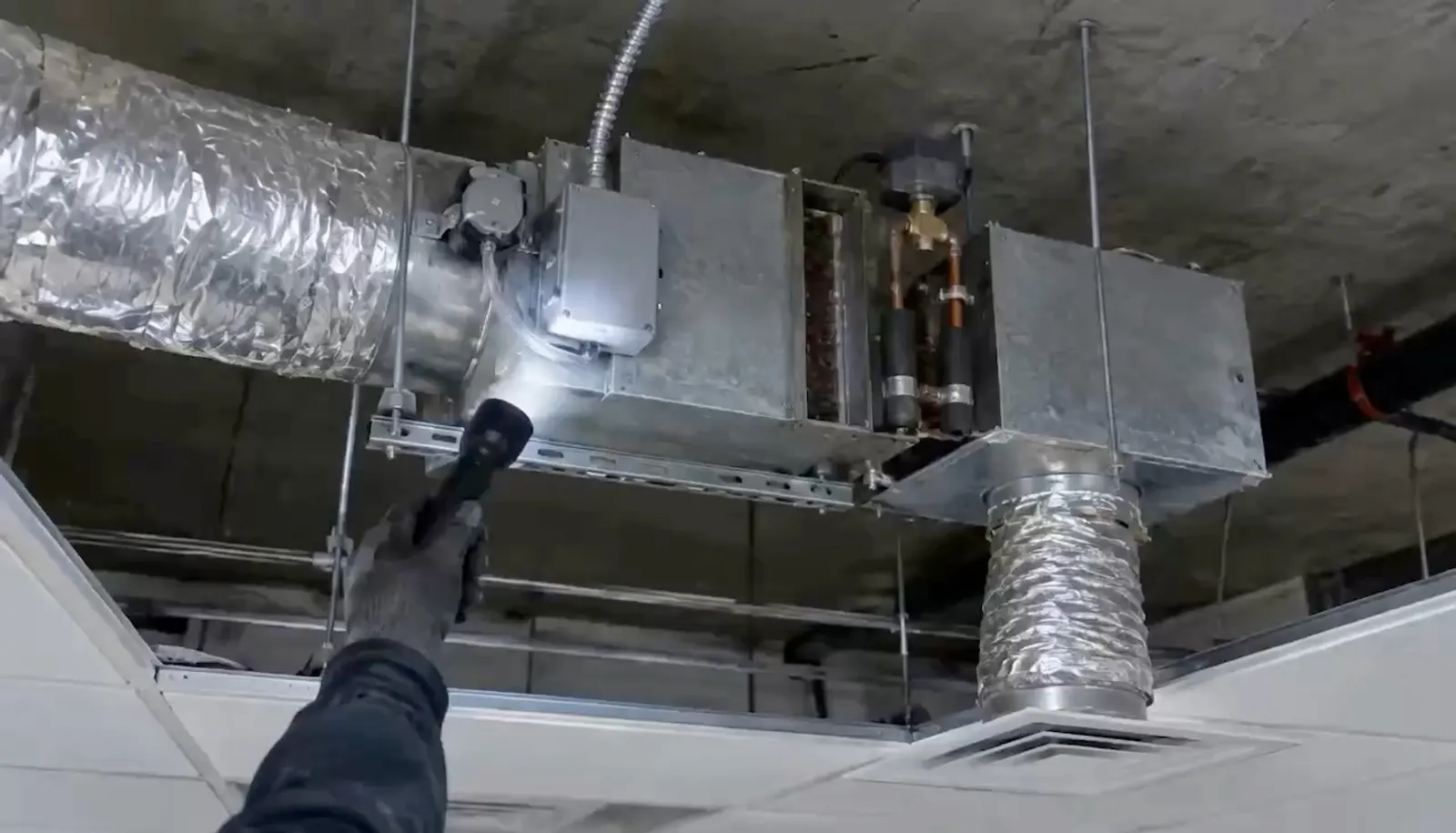
Rooftop unit, locked out and tagged. 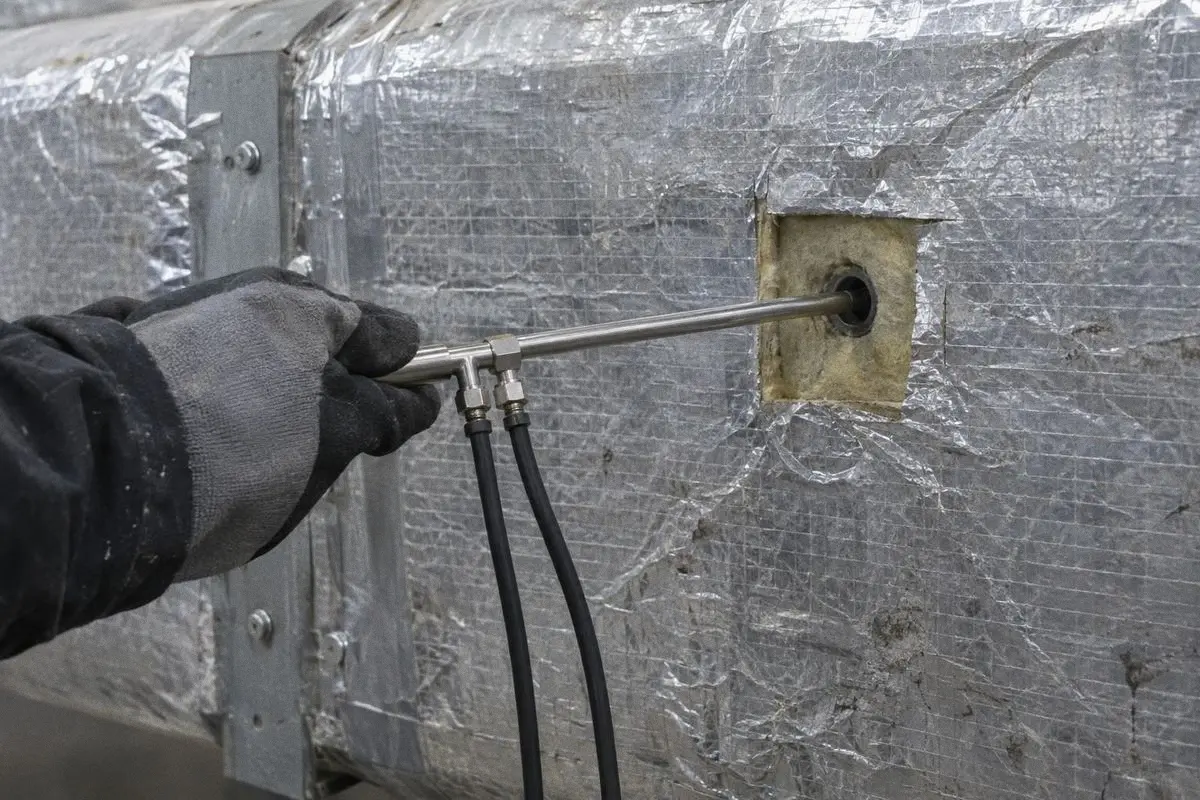
A pitot tube in a test hole. 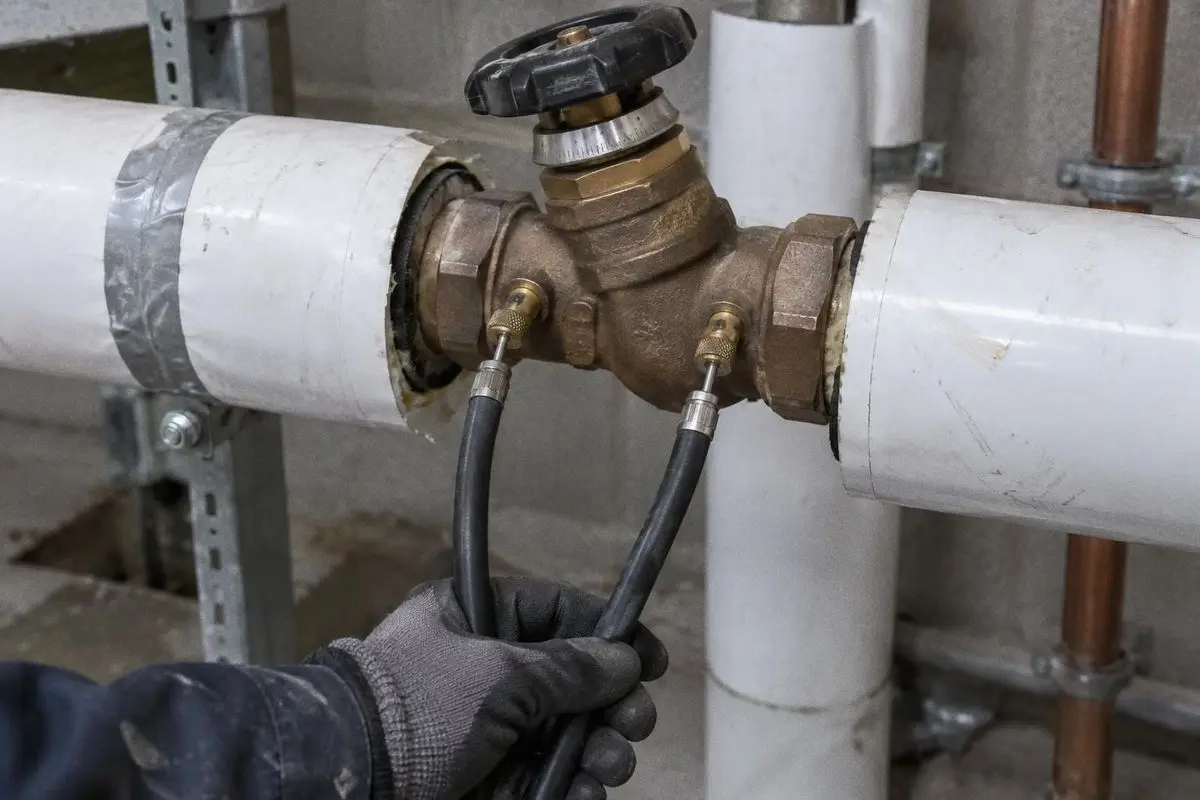
Test hoses on a balancing valve. 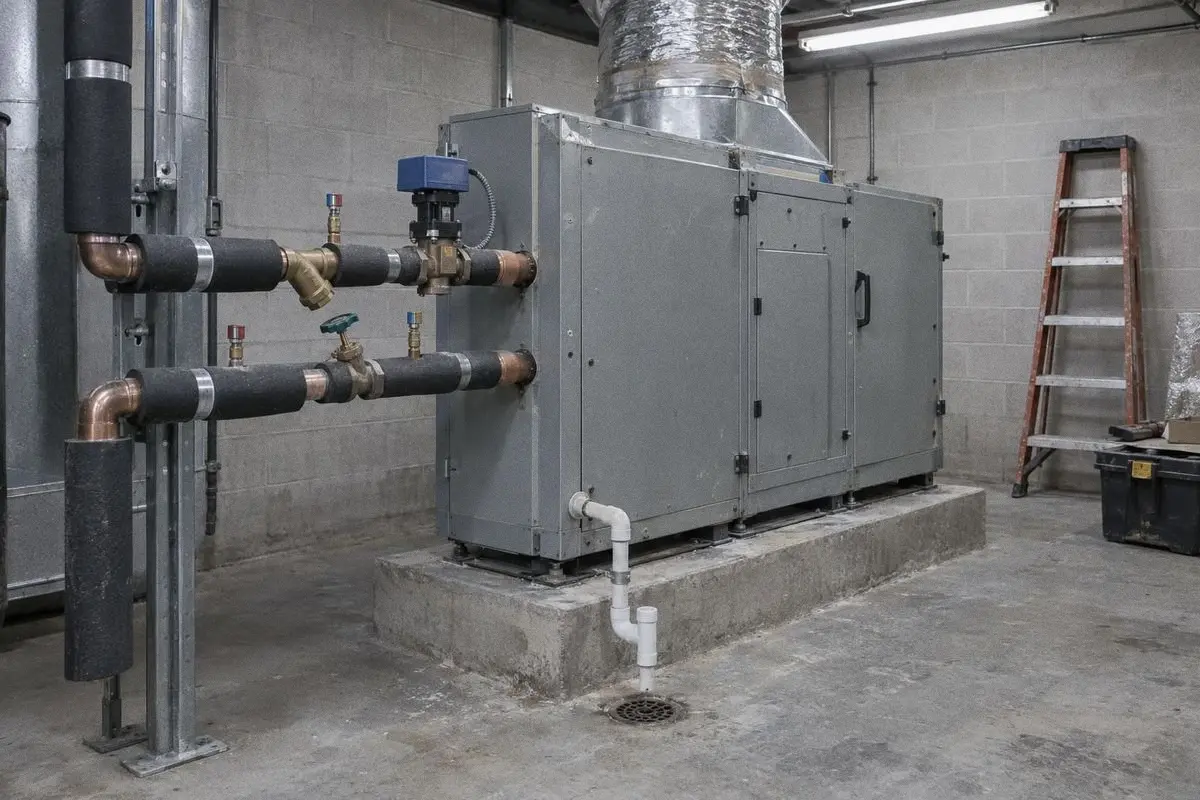
The air handler on its pad.
AI built in, not bolted on
One record, from the drawing set to the signed report.
Most software in this trade was built to store the job, with AI added on top. TabPro was built the other way round: the AI reads every file into one record, and every part of the job works from it. Upload an addendum or a submittal and the record takes it in, with what changed and what it touches.
- Drawing setPlans and schedules
- SpecsSection 23 05 93
- Addendum 1Revisions, clouded
- SubmittalVAV boxes
- Field readingsFlow hood FH-2
- A questionto Clara
Example The record · one job
- Drawing setRoom 220: 6 outlets on M-201; RTU-2 at 825 CFM on M-601
- SpecsEach outlet within ±10% of design
- Addendum 1220-5: 150 to 175 CFM; RTU-2 to 850 CFM
- SubmittalVAV-2-04: submittal matches the schedule, 850 CFM max
- Field readings220-1 reads 147 of 150 CFM, 98%
- A questionAsked about 220-5: 175 CFM, Addendum 1, M-201
- TakeoffDevices counted where they sit, each on its sheet.2 from the record
- Pre-fieldDesign values from the schedules; questions for the engineer.4 from the record
- Field and reportReadings against design; the report drafted for your signer.2 from the record
- ClaraAnswers from the record, with its source.1 from the record
Clara
Ask about any job. She answers from its record.
Use her like a second person on the job: to find a number without opening five screens, to check one before it goes out, or to jump to the page it lives on.
Before it goes out
Your name is on every number. Three checks, each by a person.
1
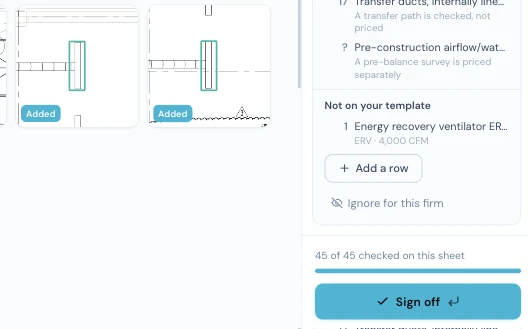
Your estimator checks each box
Every counted device has its close-up. A wrong one is deleted, a missed one is drawn in and marked Added, and the sheet shows how many are checked before it is signed off.
Capture From TabPro, project name hidden.
2
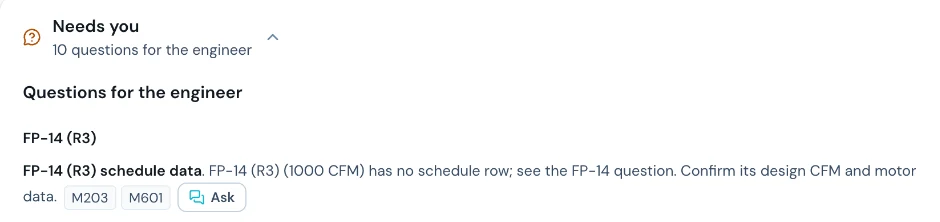
What the set leaves open goes to the engineer
A unit on the schedule but not on the plan, a grille with no CFM: each becomes a question naming the sheets that raised it, ready to copy into an RFI.
Capture From another job's pre-field record.
TAB report · Example · review
Item % of design Reviewed 220-1 98% 220-2 101% 220-3 101% 11 items not yet reviewed Sign: waiting
3
Your signer reviews every line, then signs
Each report item is reviewed one by one, and a reading outside the band carries the tech's note for the engineer. Your certified signer signs; TabPro never does.
Example Drawn for this page from the example job.
Who it's for
Built for the people whose names are on the job.
Estimators
The count in your worksheet's rows, each device on its sheet, and the Not priced list by your rules.
See the takeoffProject leads and certified signers
A report drafted from the record, every figure traceable, and nothing signed until you sign it.
See the reportField techs
The workbook by room number, design filled in, Actual blank for the reading.
See the field workbook
Straight answers.
What do I send you?
The mechanical drawings and the Division 23 specs, as PDFs. We walk the takeoff and the pre-field record through with you, on your own job.
Do I keep my worksheet and my report template?
Yes. The takeoff fills your firm's worksheet rows, by your rules for what gets priced, and the report is drafted on your firm's own template and forms.
Does it follow NEBB or AABC?
Each job is set to the procedures your firm follows, NEBB or AABC, and the tolerances its spec sets.
Does it replace my techs or my certified signer?
No. TabPro does the volume work: the count, the pre-field record and the draft report. Your team reviews and corrects it, and your certified signer signs.
What does it cost?
Pricing is per firm. Book a demo and we will walk one of your sets first, then quote.
Your techs balance the building. TabPro does the paperwork around it.
Book a demo and send one mechanical set. We walk the takeoff and the pre-field record through with you, on your own job.